
Computer vision in retail that fixes the shelf
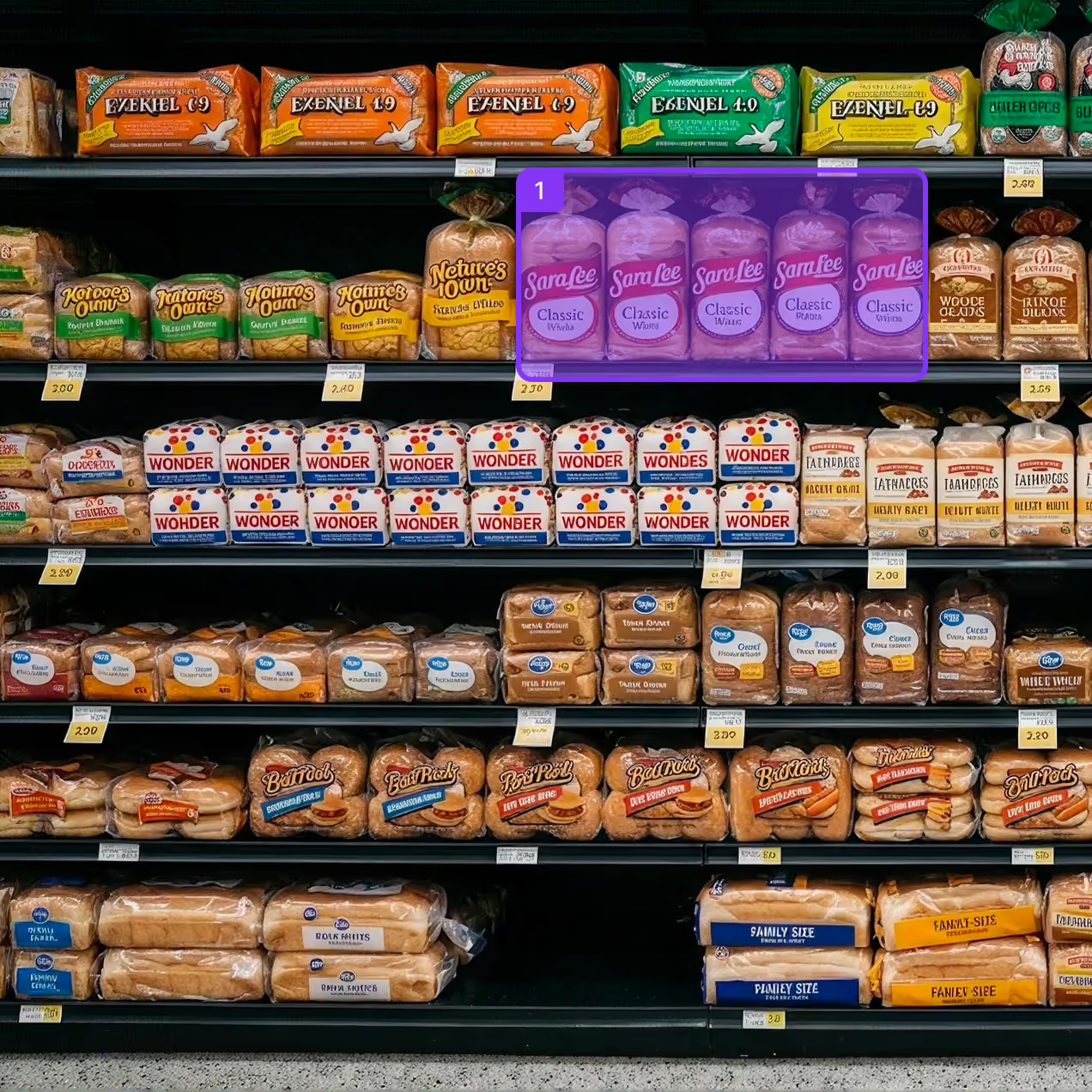
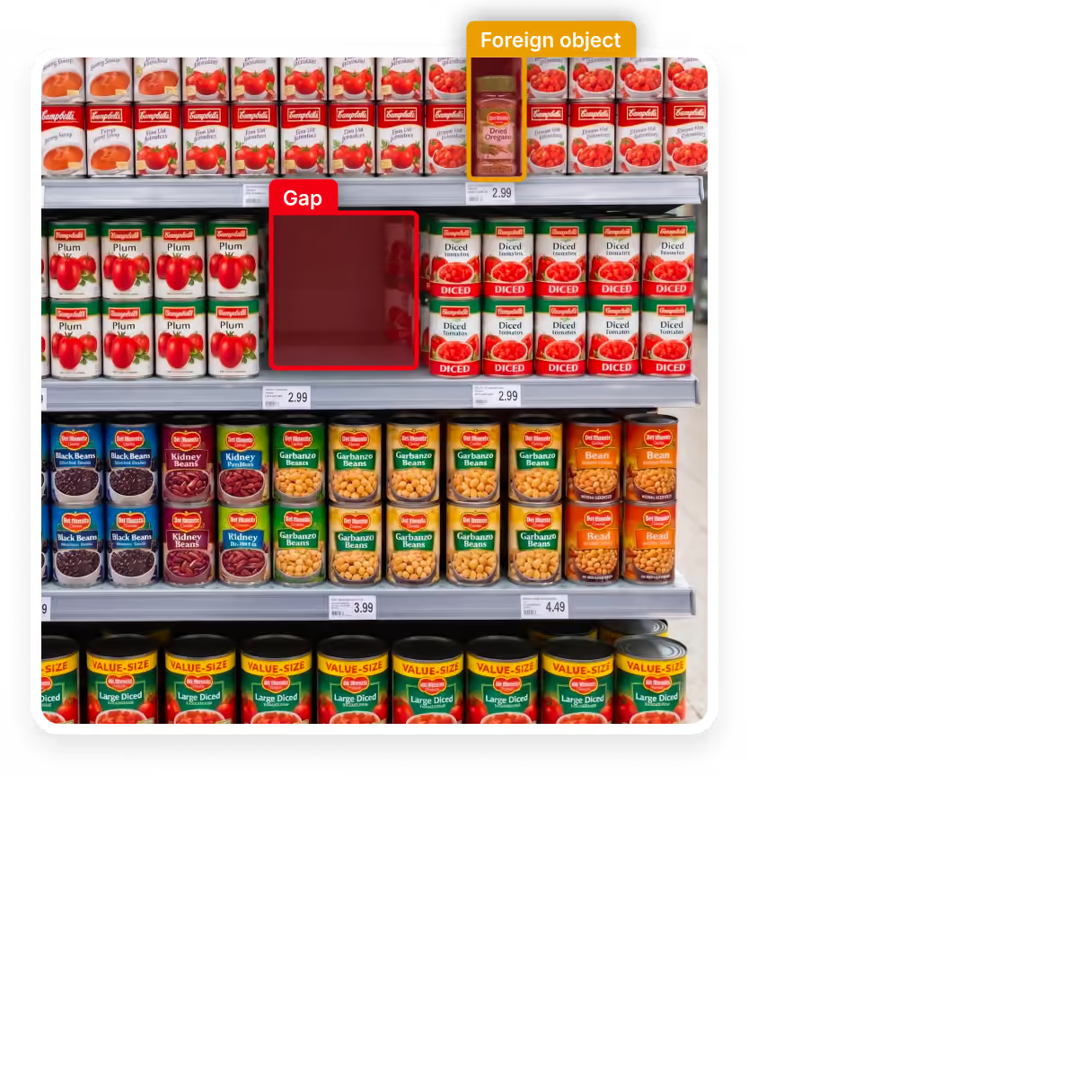
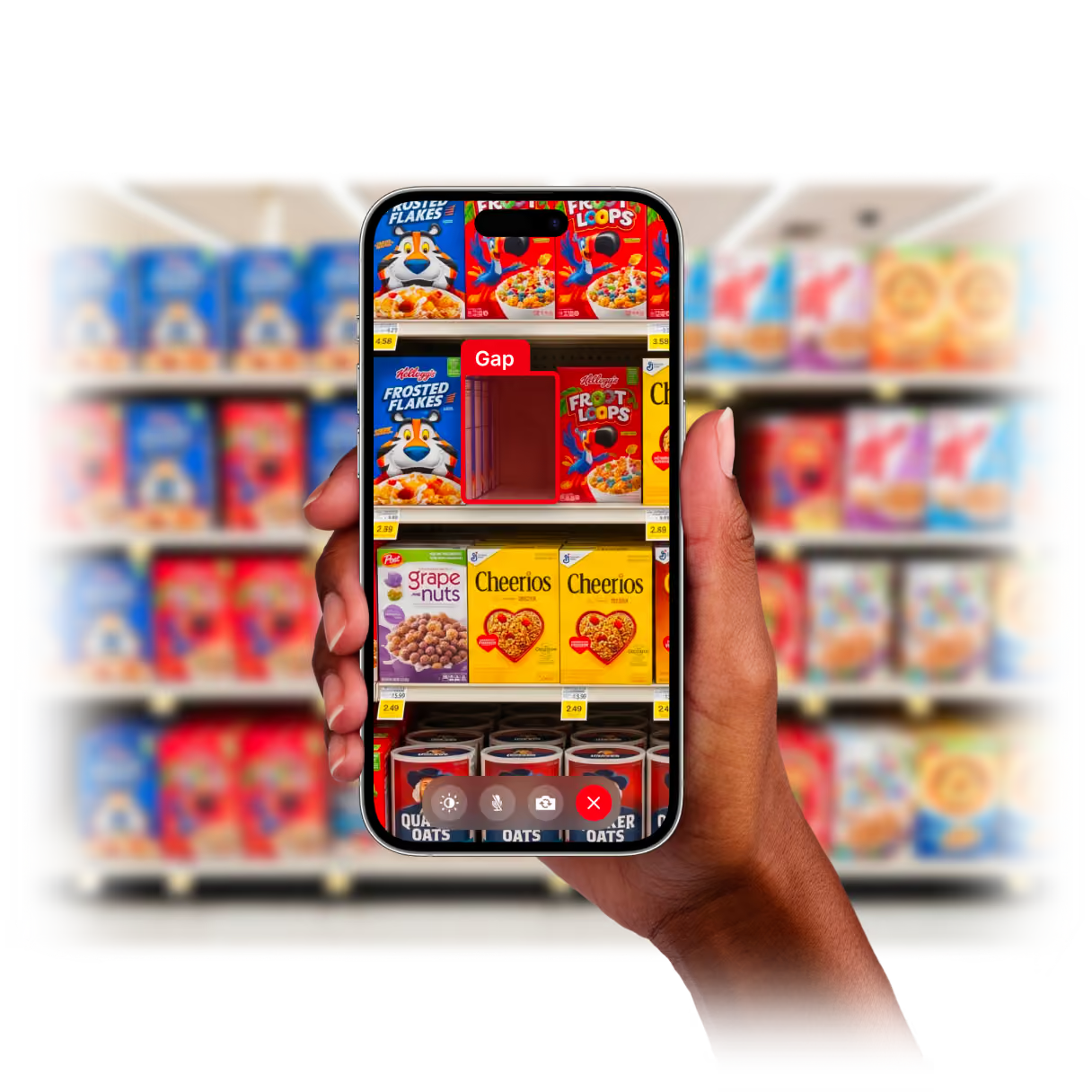
Find shelf gaps and misplaced products from a photo, then turn each issue into an assigned fix task. Go from product list to shelf scans the same day, on the handhelds store teams already use.
Improve shelf execution across every store
Give store teams a consistent way to resolve shelf issues, while giving operations leaders the visibility to improve performance across every location, category, and team.
Recover lost sales
Shorten the time shelf gaps remain unresolved and return available stock to the shelf sooner.

Expand shelf coverage
Review more categories and locations across your stores with the same fixed store or audit labour.
Standardize execution
Create a repeatable, accountable approach to resolving shelf issues across every location.

Own your shelf data
Give operations and merchandising teams a verified view of shelf performance across stores.
Turn every finding into a verified fix
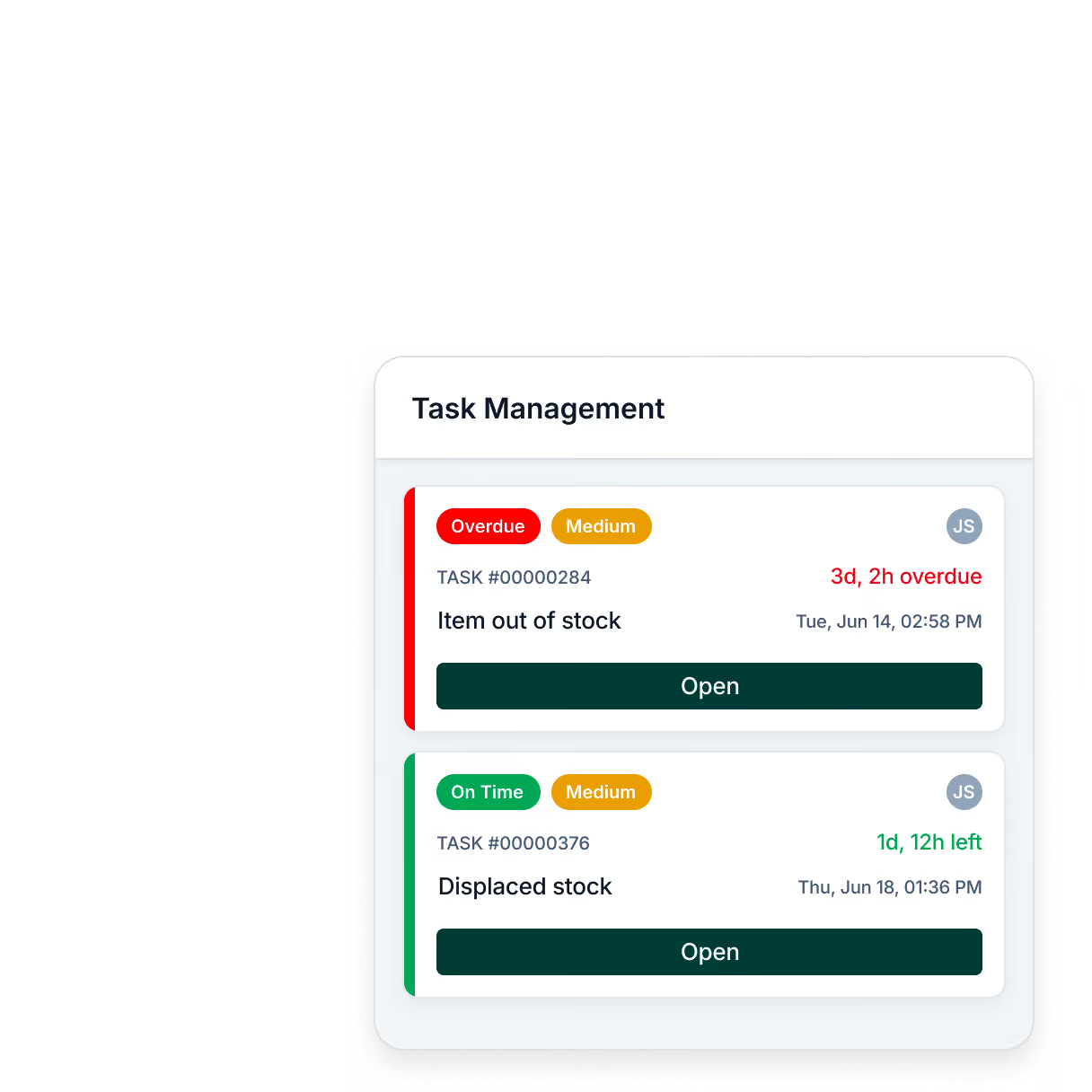
Close the gap between seeing a shelf issue and getting it resolved. OrderGrid connects detection with accountable action, so problems do not sit in a report waiting to be fixed.
Launch shelf scanning without new hardware
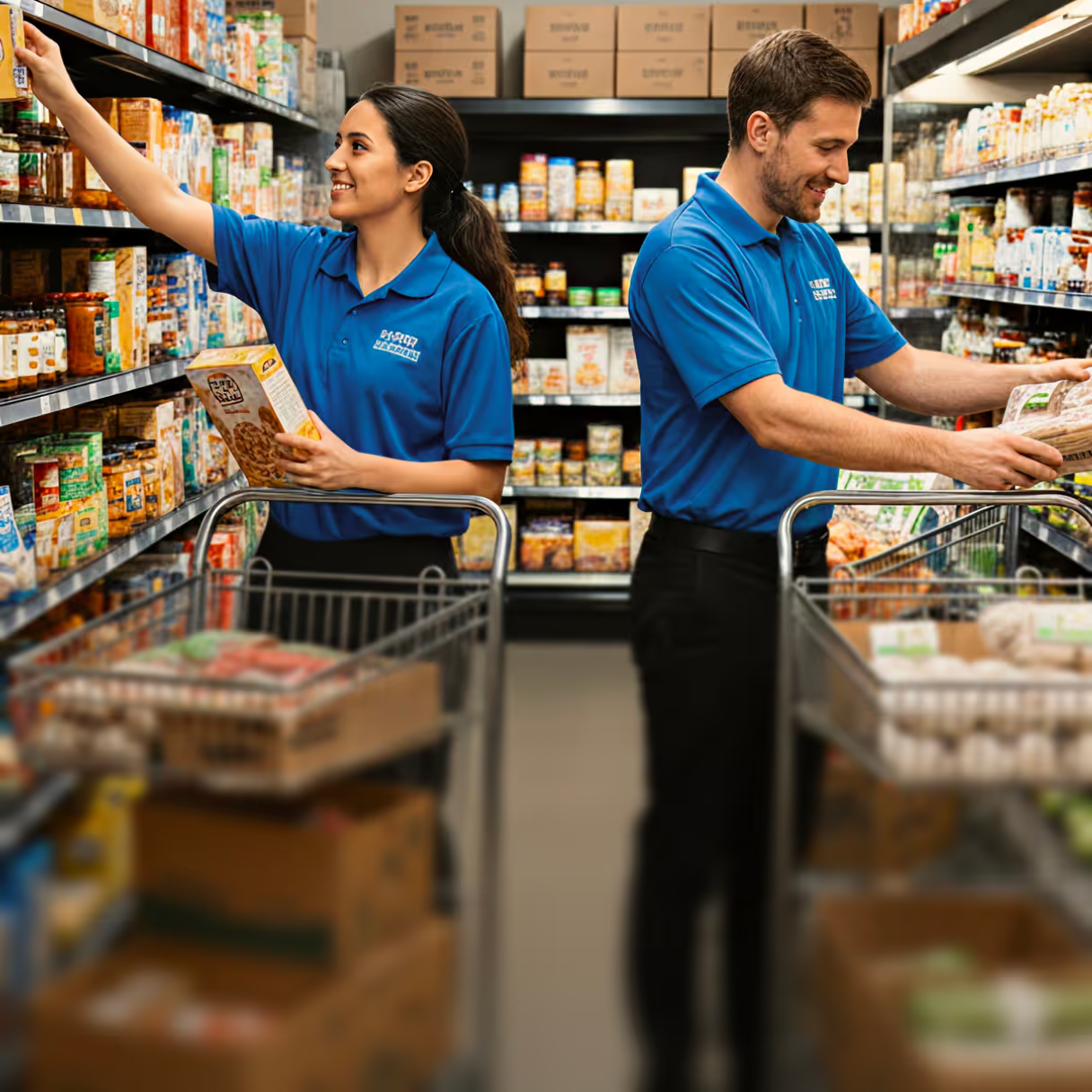
Add computer vision to existing store routines without introducing a separate device or infrastructure rollout. Start quickly and expand shelf coverage without disrupting work on the floor.
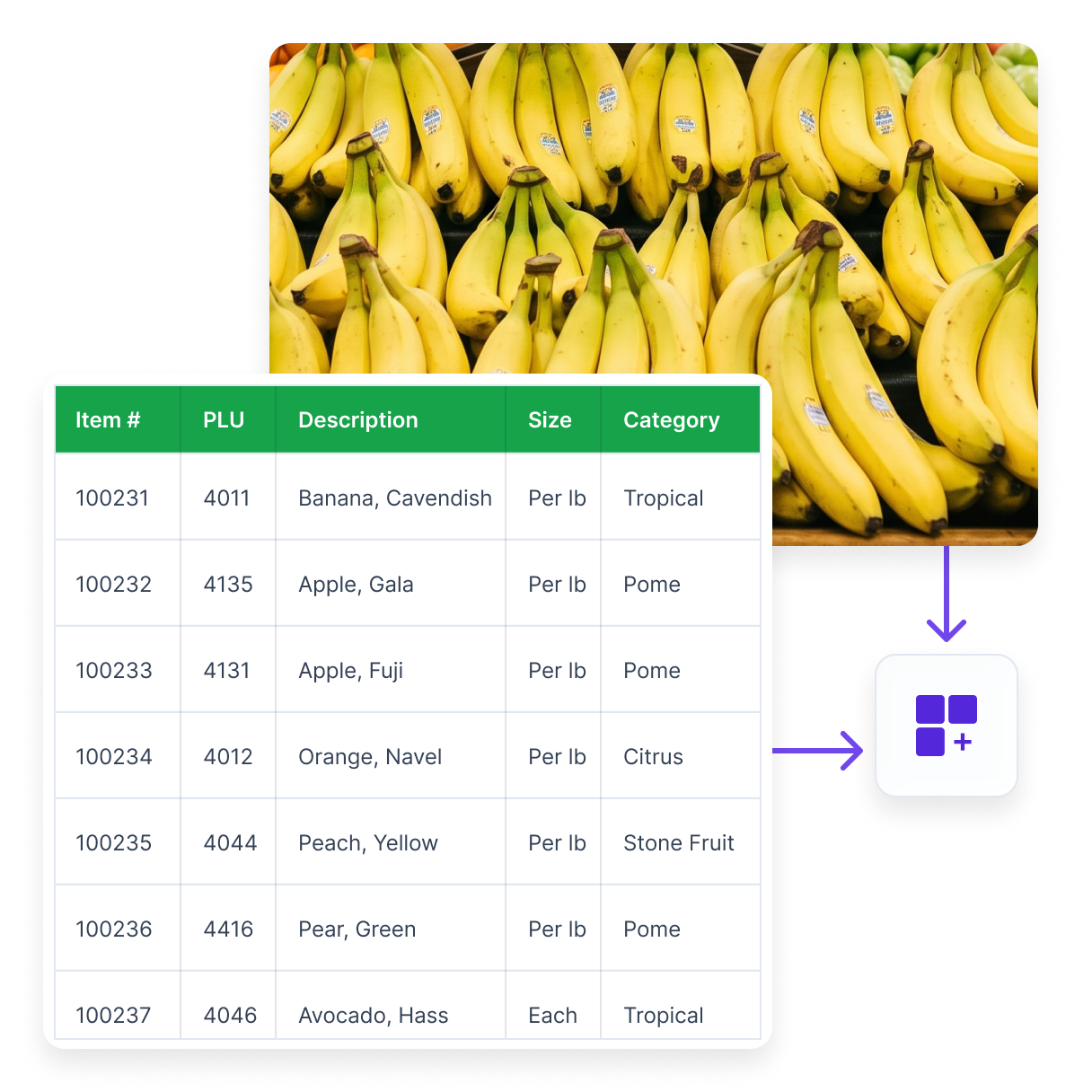
Use the product data you already have
Start scanning selected categories, then expand the scope or connect other systems when you’re ready.
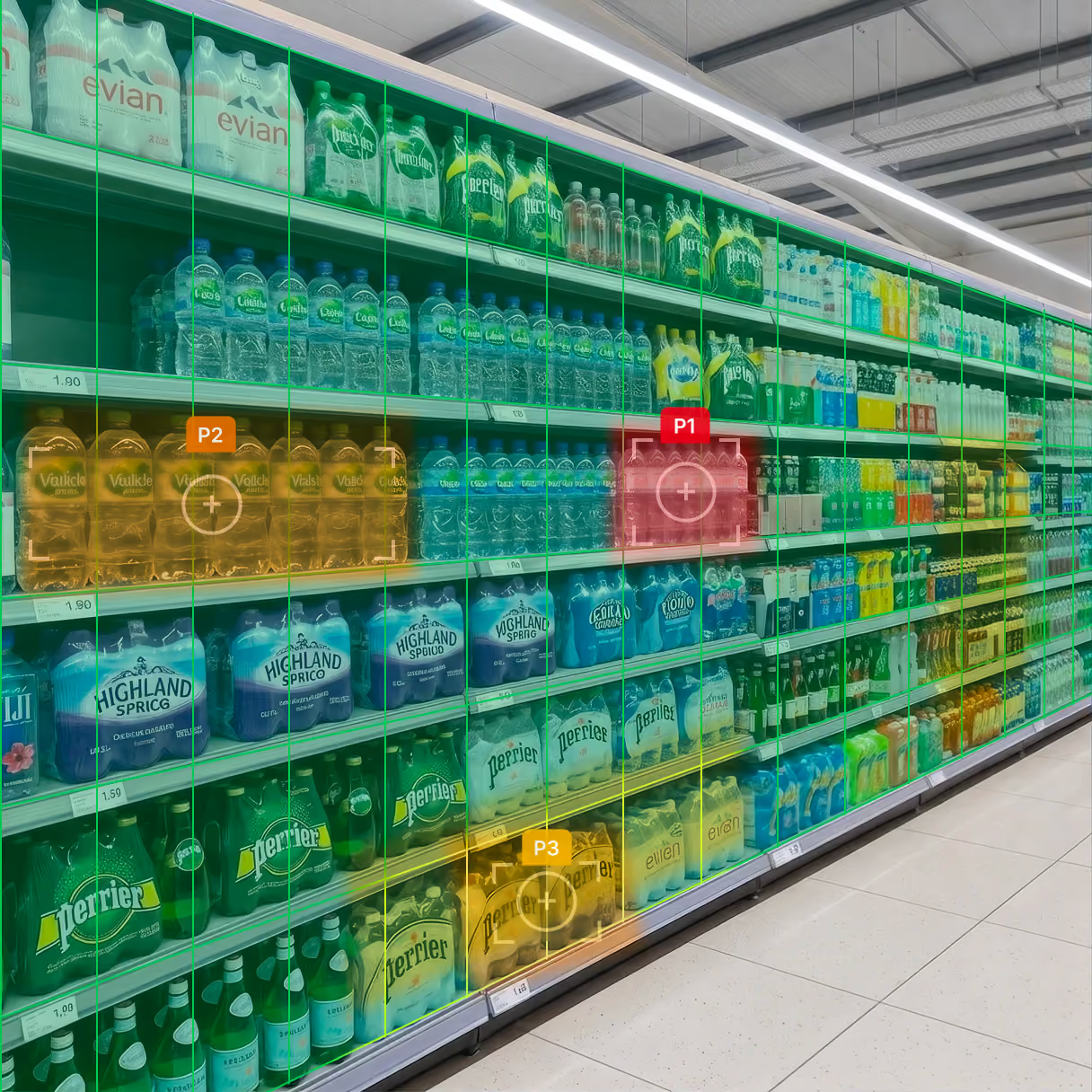
Focus every scan where it matters most
Direct limited review time toward the shelves most likely to need action, rather than treating every category the same.
Build a trusted view of the shelf
Turn each scan into a verified record that helps operations and merchandising teams compare execution and act on reliable shelf data.
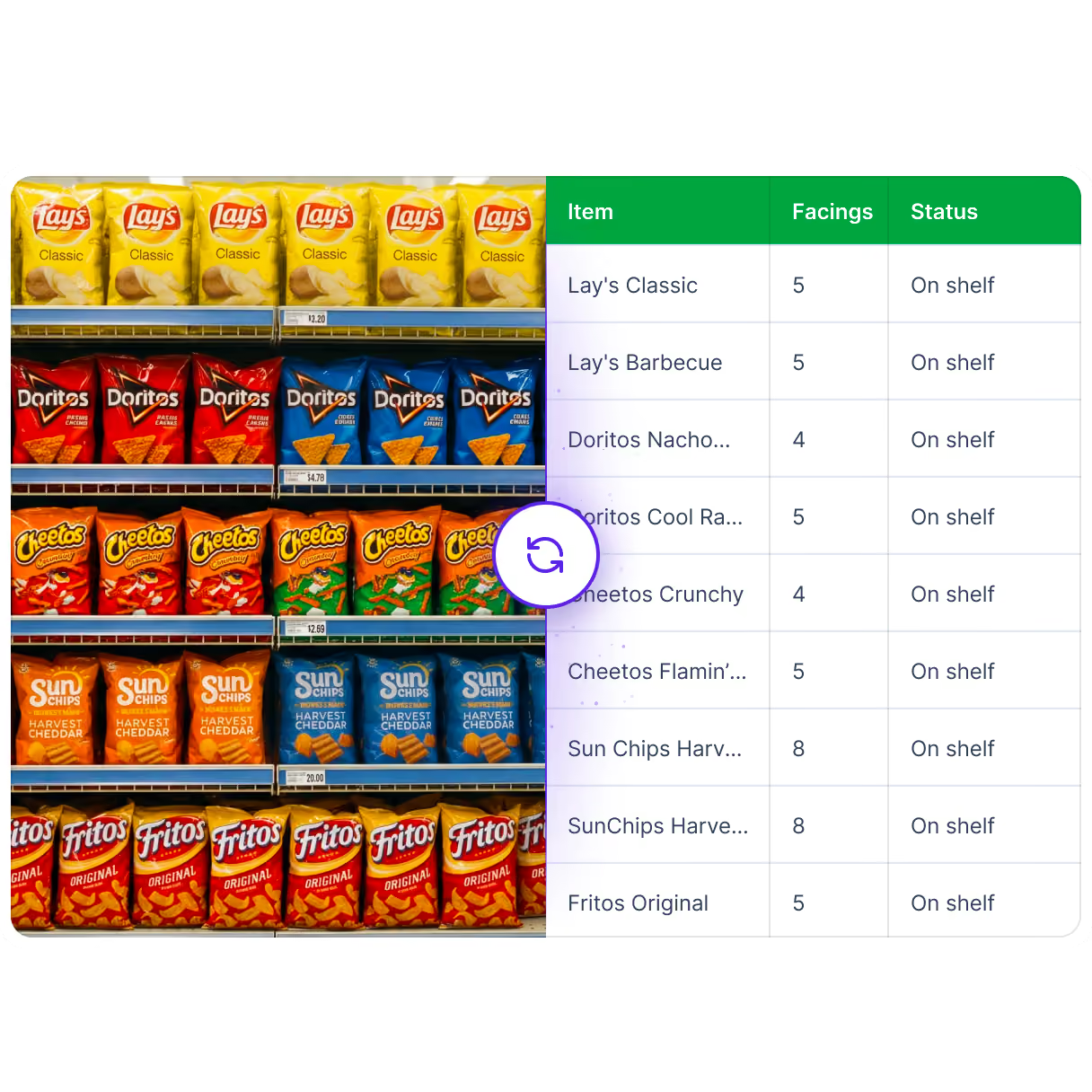
One platform, both sides of the shelf
The same shelf capture can create both an operational action and a verified shelf data point, giving retailers a stronger record for store operations, merchandising, and supplier reporting.
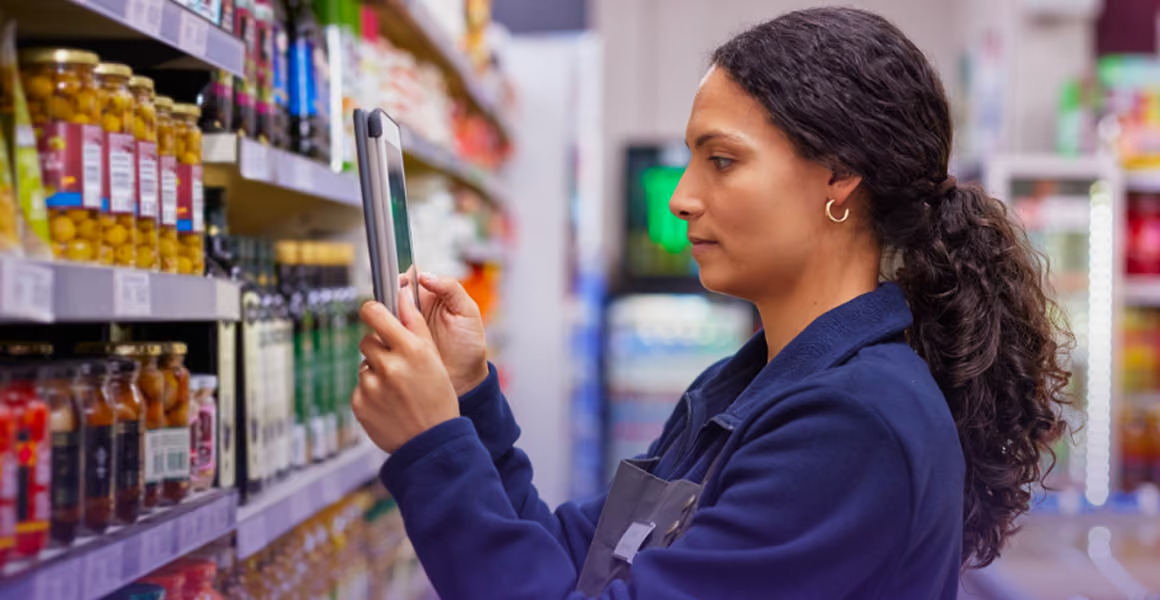
Grocery and retail operations
Use shelf scans to identify gaps and misplaced products, route corrective work, and confirm completion across your stores.
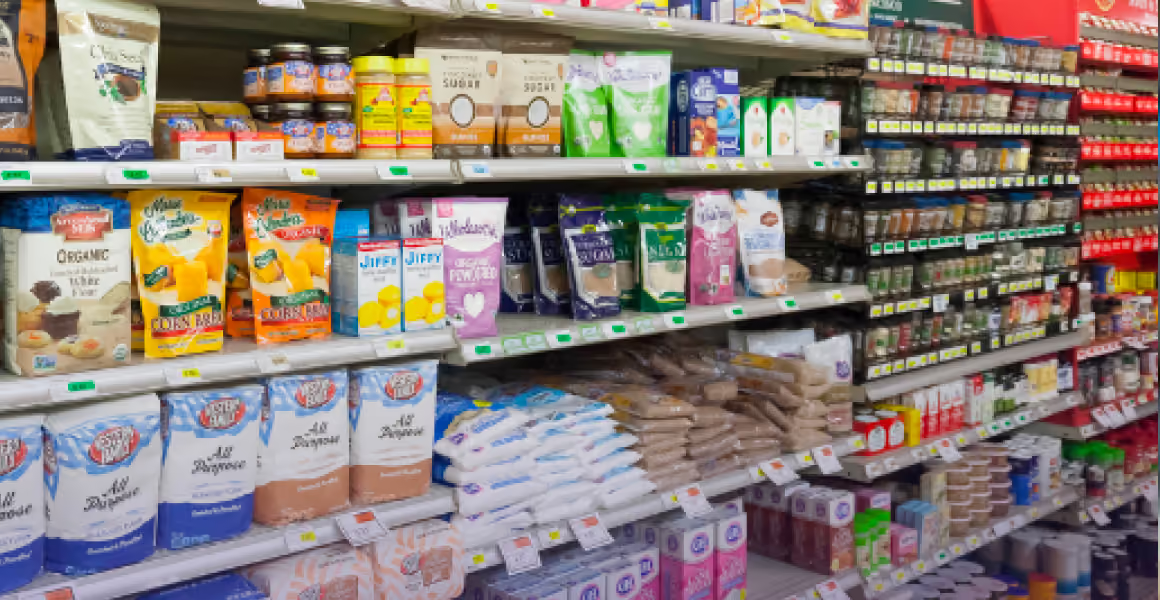
CPG and brand teams
Audit categories across large store networks, measure facing-based share of shelf, compare brand execution, and route findings to field reps, retailers, or audit partners.
From product list to shelf scanning the same day
Start with what you have today. It runs on the same platform as inventory, replenishment and store tasks, so nothing needs to be replaced to get started.
Share your product list and start scanning the same day. Turn shelf gaps and misplaced products into assigned tasks.
Connect POS data to prioritize the shelves and categories where checks matter most.
Use inventory and ordering data to identify why a shelf is empty and guide the next action.
Share your product list and start scanning the same day. Turn shelf gaps and misplaced products into assigned tasks.
Connect POS data to prioritize the shelves and categories where checks matter most.
Use inventory and ordering data to identify why a shelf is empty and guide the next action.
Frequently asked questions
Still have questions?
Email — info@ordergrid.com
Accuracy depends on the category. Packaged goods have consistent shapes, labels, and facings, so computer vision reads them with high accuracy. Fresh and produce, with loose items, variable weights, and open displays, are harder for any shelf-reading system, so the strongest results come from a deliberate rollout rather than switching everything on at once.
OrderGrid starts where reads are most reliable, the packaged centre-store categories that hold most of the recoverable gap value, then widens across the store as each category is dialled in on your shelves. You get accurate, actionable reads on the highest-margin categories immediately, with a clear path to broaden coverage from there.
On-shelf availability software is a focused application of computer vision aimed at one job: keeping products on the shelf by detecting gaps and refilling them fast. It is one use case within a broader computer-vision capability that also covers shelf monitoring, image recognition, and share of shelf. Think of on-shelf availability as the store-operations lens and computer vision as the platform underneath it.
OrderGrid offers a dedicated on-shelf availability solution for teams focused on gap scanning, and this same engine extends to pricing, compliance, and share-of-shelf measurement when you are ready for them.
The return comes from recovered sales and recovered labour. Recovered sales are the gaps you close before a shopper walks, applied to your own in-scope sales and margin. Recovered labour is the review time saved when capture rides work already happening instead of a dedicated audit.
The honest way to size it is against your own baseline, not a vendor average, because the number depends on how bad your gaps are and how slow your current fix is.
OrderGrid scopes a proof of concept that measures your current state first, then the improvement, so the ROI is grounded in your own shelves before you commit.
Yes, and you can start before you do. The core detect-and-fix loop runs standalone on OrderGrid's task framework, so a pilot does not wait on an integration project.
When you are ready, the verified shelf data connects to the systems that depend on it: inventory, digital channel availability, retail media, and replenishment. New integrations with major POS and ERP systems typically take one to two weeks. OrderGrid leads that work, so your IT team does not carry the weight.
The shelf work keeps running throughout; each integration simply lights up another downstream system as it connects.
Consistency is the hard part of multi-store retail. Manual audits reach only a fraction of the estate each month, so most shelves go unchecked between visits. Computer vision scales the check: a photo in each store, read against the same reference, produces a comparable compliance picture everywhere. Central teams see which stores and categories are drifting, not a sampled guess.
OrderGrid runs this as one capture-and-task loop across every location, with results and fix tasks visible per store, so a head-office team can hold compliance and availability to the same standard in every store at once.
Lost sales come from gaps that sit unfilled. A shopper reaches for an item, finds nothing, and substitutes, leaves, or buys it elsewhere. Around 4% of sales are lost this way, on stock the retailer mostly already owns (Gruen & Corsten). The fix is not just spotting the gap, it is closing it fast, before the next shopper arrives.
Real-time shelf monitoring reduces lost sales by cutting the time a gap stays open. OrderGrid detects the gap from a photo and routes an immediate fix task, so the shelf gets refilled in hours rather than by the next manual audit, and the recovered sale lands as margin.
Share of shelf is the portion of shelf space a brand or product holds within a category, usually counted in facings. Brands track it because shelf space drives sales, and retailers track it to hold promotions and planograms accountable. It is traditionally measured by a person walking stores and counting by hand, which is slow and sampled.
Computer vision measures it from a photo instead, counting facings and brand share consistently across every store scanned.
OrderGrid captures share of shelf as part of the same scan that finds gaps, so the measurement is a by-product of the shelf work you are already doing.
Very little. At a minimum, an item master or product catalogue, the item list you already have, lets the system read the shelf and find gaps and misplaced stock, with no product image library and no planogram required. That means you can start on what is on your shelves today rather than waiting on a data project.
Adding shelf-edge labels or a planogram later makes each read more precise, down to the exact slot. OrderGrid runs the core loop standalone, with no POS or ERP integration to begin, so you can validate it on a few categories before it connects to anything. Because setup is just importing your item list, most teams are scanning the same day they send it.
No. Many computer-vision approaches depend on dedicated hardware, either fixed cameras on every aisle or autonomous shelf-scanning robots. Both add cost and a separate workflow. Reading the shelf does not require either to be useful. A standard phone or handheld camera captures enough detail to read facings, labels, and prices.
OrderGrid is built around the devices your teams already carry, so capture rides on a pick run or store walk that is already happening. There is no robot to buy, no camera rig to install, and no new hardware budget to approve before you can start.
Shelf monitoring follows four steps. A camera captures the bay, software reads what is on the shelf, it compares that against your product data, and it produces a result. Your item list alone is enough to find gaps and misplaced stock; adding a planogram later sharpens it to the exact slot. Most systems stop at a report someone still has to work.
OrderGrid adds the step that matters: it turns each finding into a specific task for a named person and confirms the fix with a photo, so shelf monitoring ends in a corrected shelf rather than a dashboard nobody reads.
Retailers use computer vision to see and fix what is happening on the shelf at scale. Common uses include detecting out-of-stocks and gaps, checking that products match the planogram, reading shelf-edge prices, and measuring share of shelf by brand. Some run it on shelf robots or fixed cameras; others read the shelf from photos taken on handhelds. The value is turning a shelf image into an action, not just a report.
OrderGrid focuses on the action: it detects gaps and misplaced stock from a photo and routes a confirmed fix task, so store teams close the loop in the same shift.
Computer vision in retail is software that reads a photograph of a shelf and identifies what is on it, comparing what it sees to what should be there. It detects empty facings, misplaced items, wrong shelf prices, and how much space each brand holds. It replaces the manual shelf walk, where a person notes problems on a printout that is stale by the time anyone acts on it.
OrderGrid applies computer vision to the whole shelf: it reads the bay from a phone photo, flags every issue against your product data, and routes each one as a task a store or field team can act on and confirm.
See what is happening on your shelves
See how computer vision in retail fits into day-to-day store operations.